ON-DEMAND
NEW for Fall 2026!
Build IT Better 2.0: Next-Level 3-D Free-Standing Lace Appliqué
Discover fresh techniques, smarter preparations, with quicker, easier dimensional builds in a two-hour update for this Workshop.
V7 / V8 / V9 Creator / V9 Designer
Enjoy recorded class videos, printable handouts, and support files with unlimited on-demand access, with no time limits. Complete one project or all three — the choice is yours.
Digitize — Plan a Better Build
Learn how to resequence your FSL appliqué designs and create coordinated embroidery and cutting files.
Prep — Build the Foundations
Choose and prepare fabrics, cut project pieces, and organize the units for a smooth assembly.
Construct — Embroider & Finish
Stitch, assemble, and finish your project with useful techniques for glues, paints, and professional-looking details.
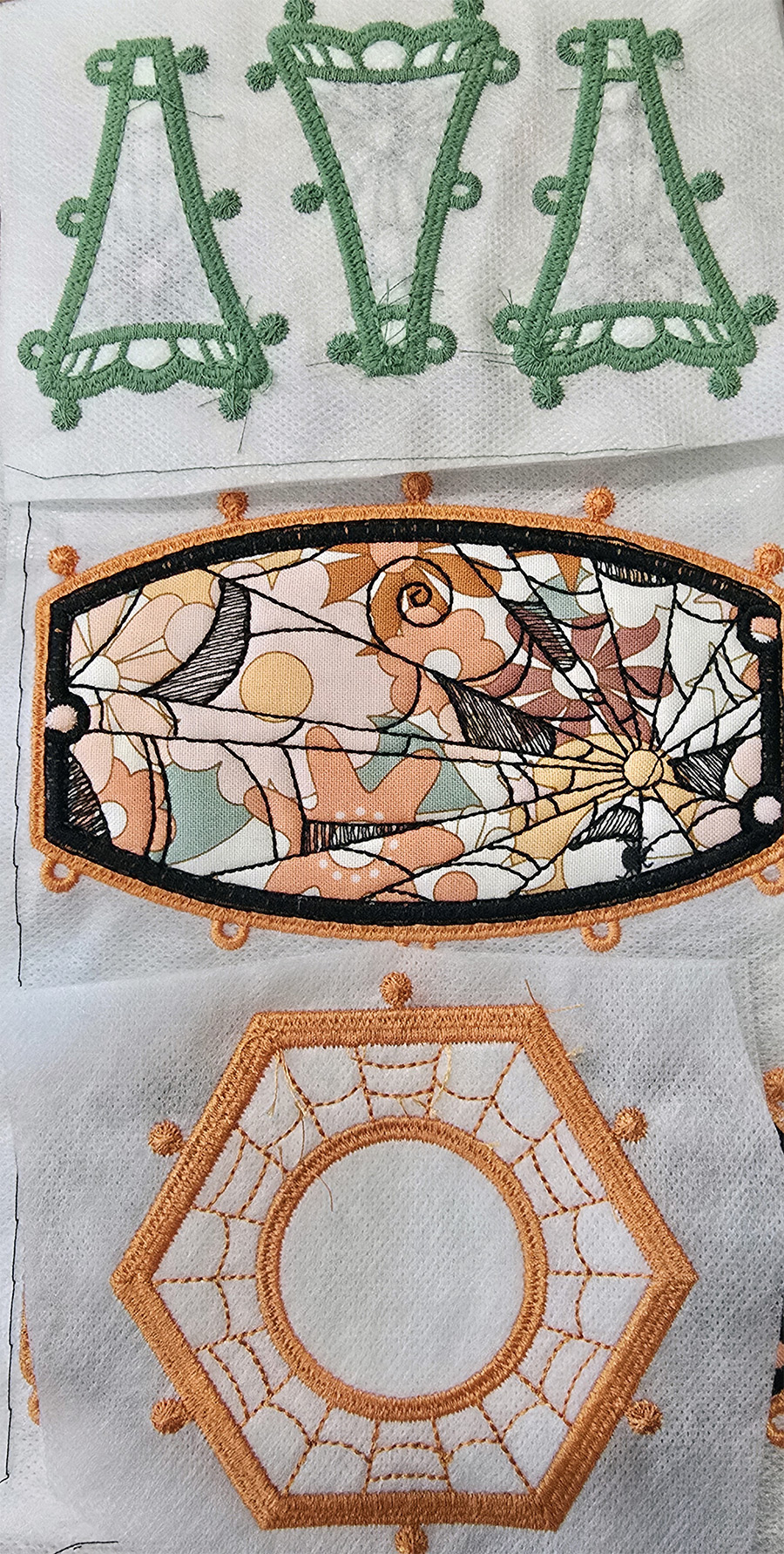
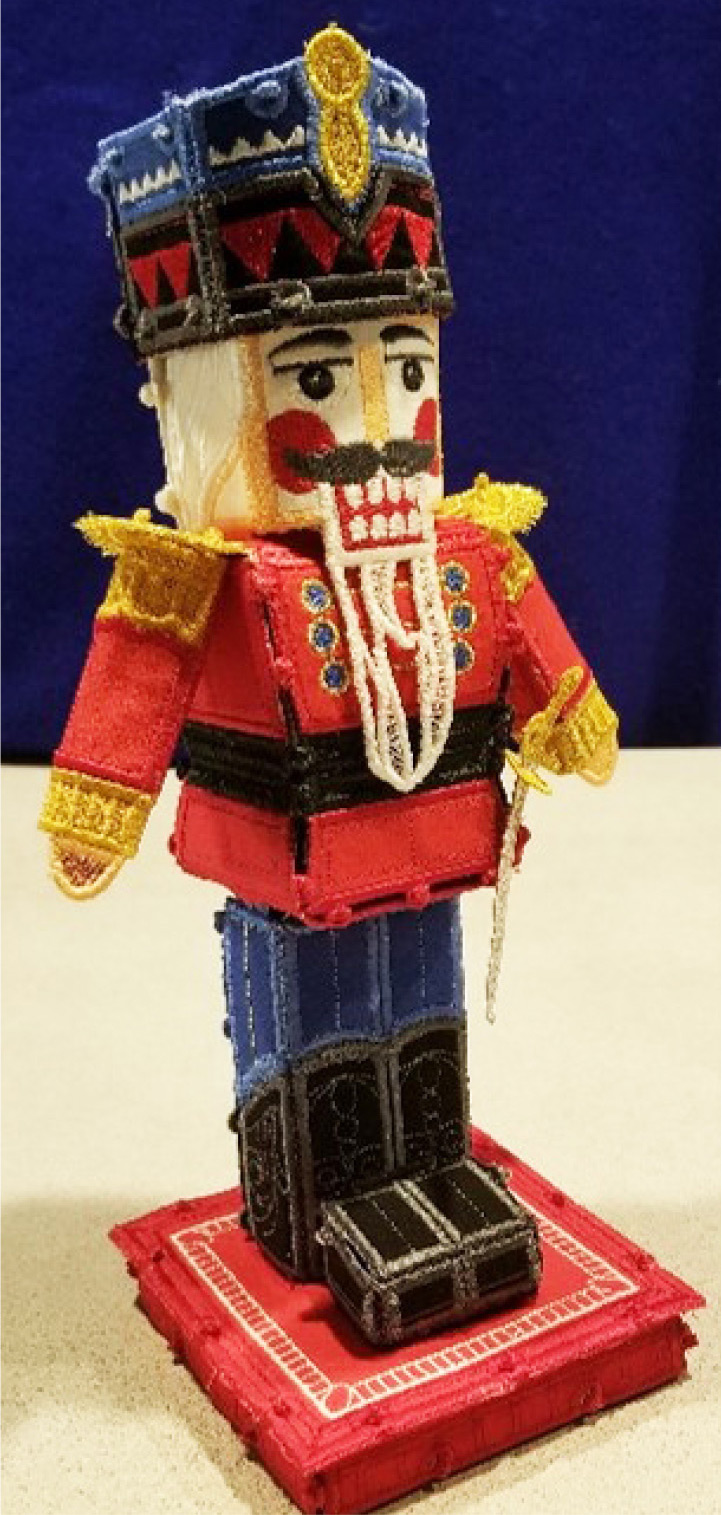
Pumpkin / Houses / Nutcracker
CLICK HERE TO PURCHASE $45
Skill-Building Workshops — Download On-Demand
“The Mystery 3” Quilt Table Runner/Banner Workshop
BERNINA V9 Designer / V9 Creator / V8 / V7
Create & Make or Watch & Learn
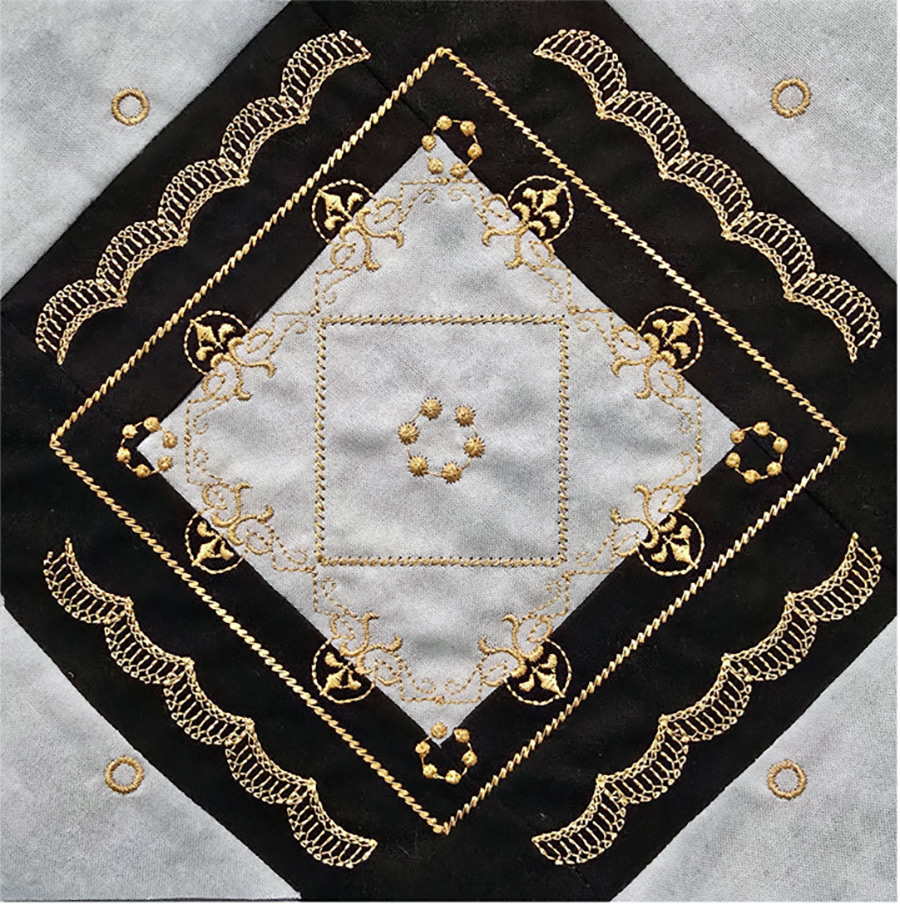
Week 1 – Learning! Pattern creation, glues and Mod Podge techniques
Explore a clever Mod Podge technique that eliminates starching and stops fraying. Plus, paper piecing without stitching through the paper!
Week 2 – Creating! Lines, curves and fills plus easier paper piecing
Week 3 – Making! Put it all together
All class recordings and files are available on-demand with no time limits.
Your Software Refresher Series
BERNINA V9 Designer / V9 Creator / V8 / V7
On-Demand, Recorded. Always ready when you are.
Are you still using the same tools repeatedly to create or edit designs? Did you forget what you learned in Mastery class, or never took a Mastery class? Your Software Refresher Series is all about the version/level that you own. The class is taught in four 2-hour sessions.
Note: This Workshop assumes you have taken your BERNINA Mastery Classes for your version of the software. Teri has recorded the complete V9 BERNINA Mastery Classes. CLICK HERE for V9 Mastery Classes, if needed.
Month 1 — Cutting tools and outline tools
Month 2 — Manual digitizing and traveling
Month 3 — Pattern Runs and Shapes
Month 4 — Auto Digitizing Tools
Includes handouts, support files and recorded class videos which are available to students for on-demand access, with no time limits.
CLICK HERE TO PURCHASE $45 (Includes all sessions by version above)
“The Mystery 3” Manual Digitizing Workshop
Create & Make or Watch & Learn
BERNINA V9 Designer / V9 Creator / V8 / V7
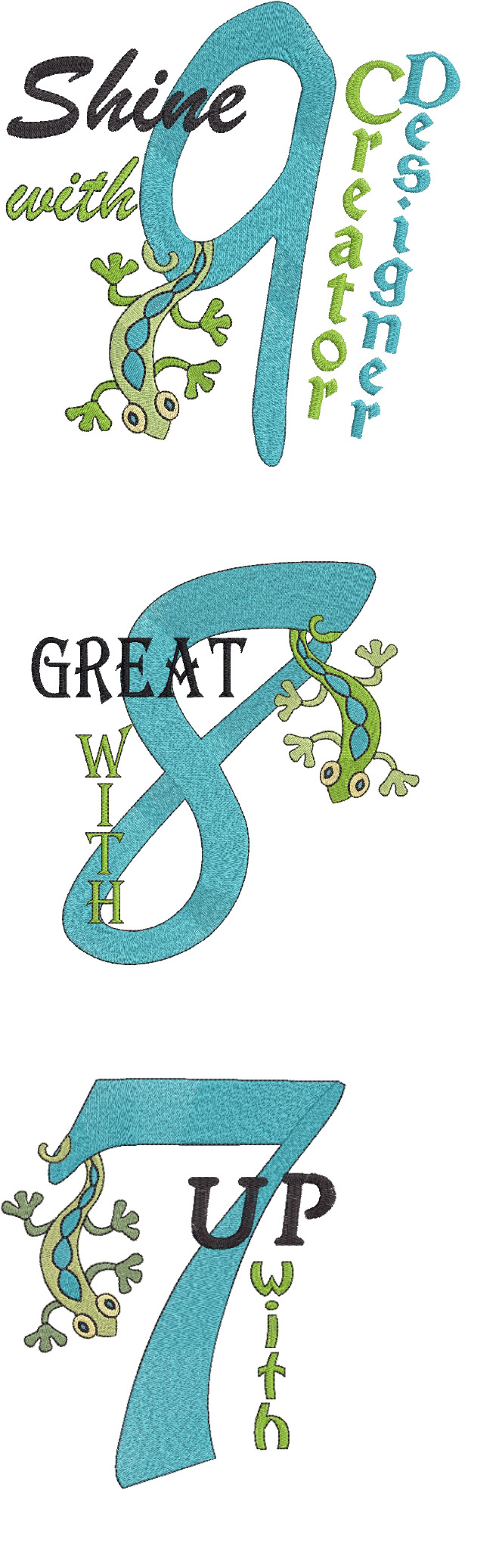
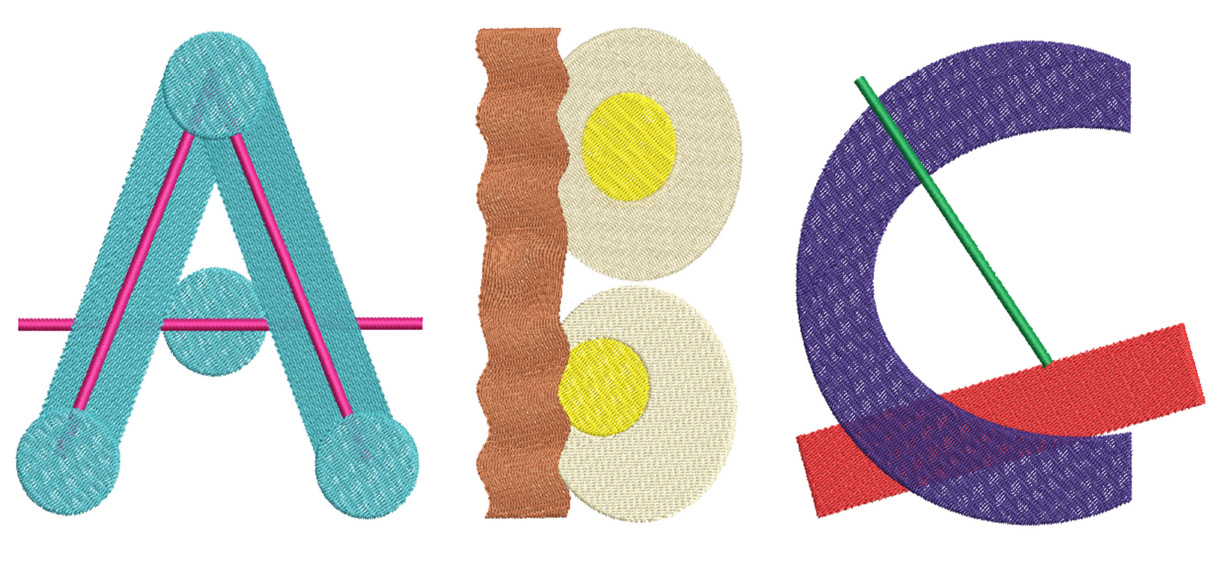
Learn how to create your own personalized embroidery fonts — so easy when you know the process!
Week 1 – Learning! Power of Reshape and Sequencing
Week 2 – Modify! Traveling with Connectors
Week 3 – Making! Create your own personal font
Includes handouts, support files and recorded class videos which are available for on-demand access, with no time limits.
“This class finally helped me understand what those connectors are really used for — who knew? I used to think they just cluttered my screen, but now they’re my favorite digitizing technique.”
— FREDDIE SCHILE
“The Mystery 3” Appliqué Workshop
Create & Make or Watch & Learn
BERNINA V9 Designer / V9 Creator / V8 / V7
Join Teri on a software and embroidery adventure — 3 shapes and 3 techniques in this 3- part workshop. You’ll be amazed at what you produce and wait ’til you see the results! Teri will help you create and make, or you can just watch and learn. Workshops are structured so you can access the courses and handouts through Dropbox. The goal is to customize your digitized appliqué files and develop appliqué skills.
Includes handouts, support files and recorded class videos which are available for on-demand access, with no time limits.
Lesson 1 – Learning! Your digitized appliqué file
In this lesson, Teri will guide you to digitize your appliqué files. We will create all the files together, from master file to cutting files.
Lesson 2 – Creating! Your fabric units
This lesson is about choosing and prepping fabrics for the cutting and building of the units.
Lesson 3 – Making! Embroider the block
This lesson finishes up the project with the embroidery!
FAQs
What skills will I learn?
Teri has developed unique appliqué techniques featuring height, balance and dimension
without the headaches of traditional machine embroidered appliqué construction. You will
learn how to customize appliqué patterns and the digitized files to achieve this look.
What if I do not like the workshop block?
You do not have to actually make any of the workshop blocks — just make the technique samples or watch and learn.
Do I need a special brand or size of embroidery machine?
No, this workshop is not machine brand specific. Depending on the size of your largest hoop, you may be multi-hooping the final embroidery, which is discussed in the third week.
What other On-Demand classes does this workshop draw from?
If you want to learn more about appliqué, here is a list of my other On-Demand appliqué classes:
• Cutting the Fabric (for those with a cutter such as the Silhouette or Scan and Cut)
• Appliqué to SVG (for those with a cutter such as the Silhouette or Scan and Cut)
• Designing Appliqué from Graphics/Patterns
• Appliqué Software Primer
Hands-On Appliqué Workshop Basic Supply List
BERNINA Embroidery Software
Embroidery machine and hoops
Fabric
Starch
Sharp scissors
Thread
Black Heavy Weight Cut Away Stabilizer
Medium Weight Tear Away Stabilizer
A more complete supply list will be sent with your workshop sign-up. Additional optional supplies will be discussed in the workshop.